Follow your device documentation.
Use the app link or QR code supplied with your exact sensor and market version. A search result containing the right brand name is not enough to confirm compatibility.
The regional CGM page refers to the SIBIONICS app. Before downloading, match that reference against your packaging and the seller’s current instructions.
Visit the regional product source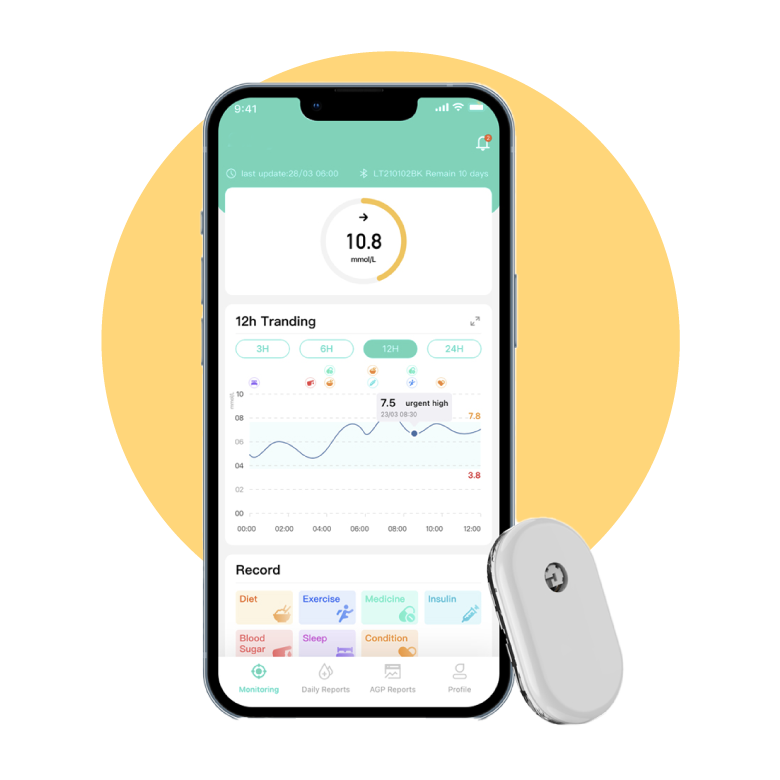
Before installing
- Confirm the model. Write down the full name and product reference from the box.
- Confirm the download source. Match the publisher and listing to the supplied instructions. Avoid unknown installation files.
- Check your country. Store availability and supported device versions can be regional.
- Check your phone. Verify the current compatibility list for your model and operating system.
- Know the support contact. Keep the local seller’s details and proof of purchase.
If you cannot connect
Use the troubleshooting instructions supplied with the device and contact your local supplier. Include the model, phone model, operating system, app version and error message. Do not share your account password or personal glucose history in a public comment.
This website does not publish an independent compatibility list, host app installers or provide official device support.
Sources & editorial notes
Regional CGM product page · VivaChek corporate website. Reviewed 18 October 2026. Regional descriptions do not establish a worldwide distribution agreement. Check the instructions supplied with your own device.